


Install Android 4.4 KitKat on the Nexus 4. Installing before the official OTA rollout. Requirement: Nexus 4.
Table of contents
Real-world use case
You want to enjoy the latest version of Android on your Nexus 4: here's how to install Android 4.4 KitKat.
Android 4.4, released by Google, came out just a few hours ago, and I'd been waiting for it for a long time.
By the way, this article is written before OTA availability for the Nexus 4 ships.
We'll go through installing Android with the help of Windows 8.1.
Want a preview? My Nexus 4 running Android 4.4!
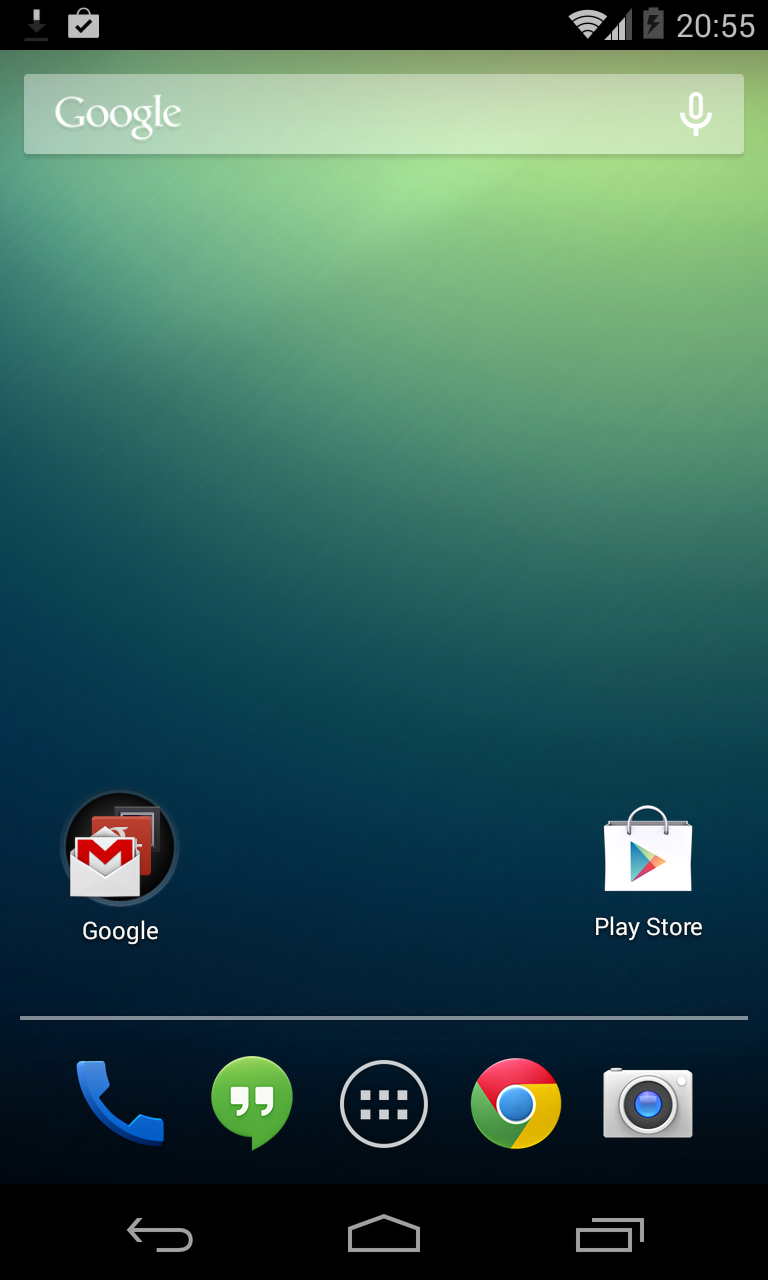
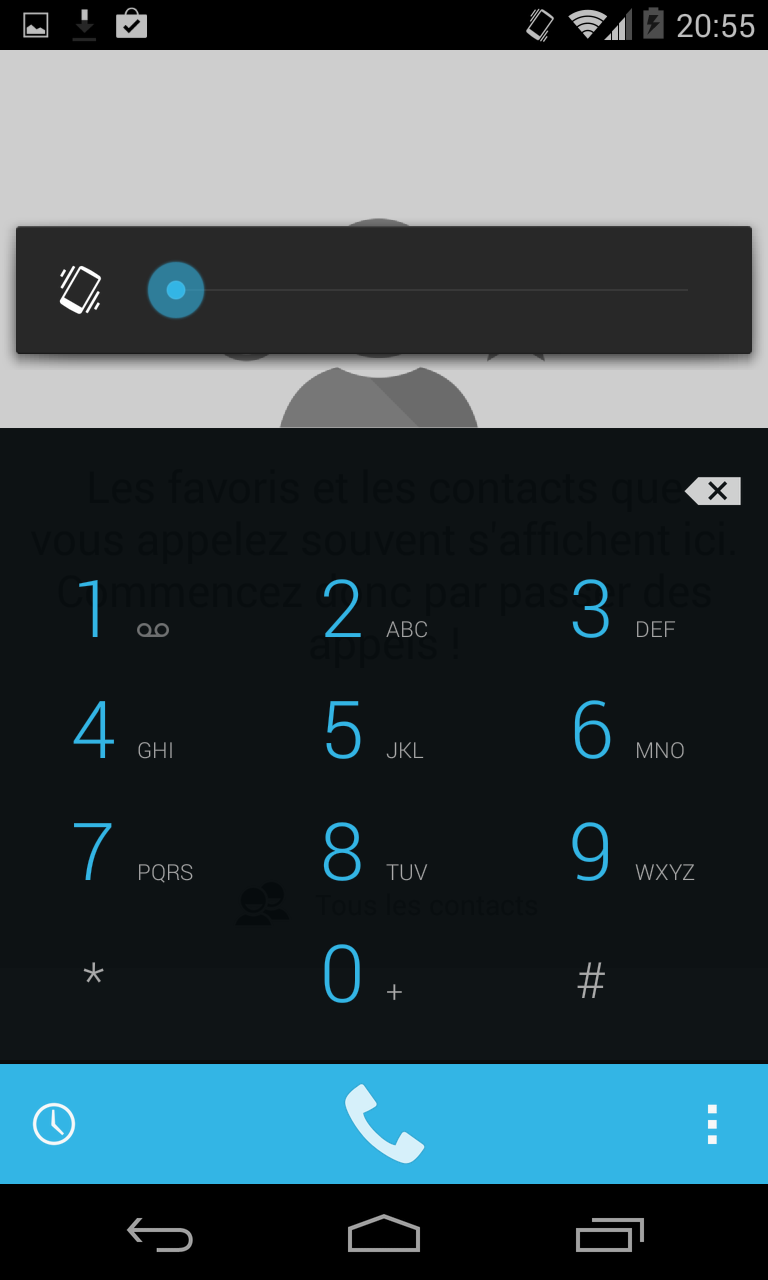
Prerequisites:
- Have an LG Nexus 4 + the USB cable.
- The Nexus 4 drivers installed on your Windows machine.
- The ADB and Fastboot tools installed on your Windows 8.1 system.
- The Nexus 4 factory image available on the official website: Android 4.4 KitKat for LG Nexus 4.
I recommend creating a folder on your drive with all the files, like this:

Extract the 2 files: adb_fastboot and latest_usb_drivers_windows, then install them.
Also extract occam-krt16o-factory-75ccae7a.tgz, which contains Android 4.4.
Installing Android 4.4:
Launching the Windows terminal the old-fashioned way:
cmd
cd C:Program Files (x86)Minimal ADB and Fastboot
Next-gen launch method with Windows 8 (graphical mode):
SHIFT + right-click on the folder: "Minimal ADB and Fastboot"
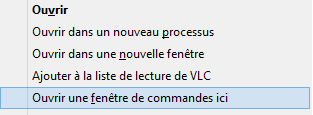
Copy the files from the "occam-krt16o-factory-75ccae7a" folder you extracted into:
C:\Program Files (x86)\Minimal ADB and Fastboot
Just to be sure, here's the contents of my folder:
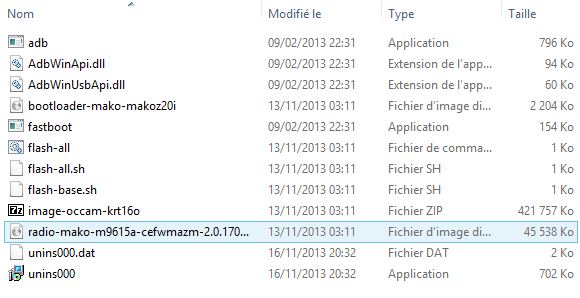
Let's continue by connecting our Nexus 4 to our Windows 8.1 computer.
To start, boot the Nexus 4 into "Fastboot" mode (Power + Volume DOWN).
Running the connection check command: Nexus4/Windows 8.1:
fastboot devices
==> C:\Program Files\(x86)Minimal ADB and Fastboot\fastboot devices
==> 01c04xxx94xxxxxx        fastboot
Normally, a line appears, as shown above. If not, reinstall the USB driver for Android.
Next, the Nexus 4's "bootloader" needs to be unlocked, check the last line, which should be in "Unlocked" mode, as shown in the screenshot below:
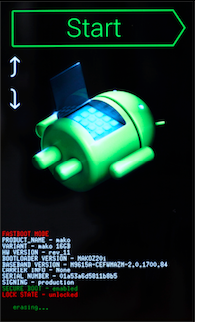
To be sure it's unlocked, run the following command:
fastboot oem unlock
==> ...
==> FAILED (remote: Already Unlocked)
==> finished. total time: 0.002s
The command returns a FAILED! My smartphone is unlocked.
Otherwise, run this command: (this erases your smartphone's content).
fastboot oem unlock
Reboot the smartphone into Fastboot mode and move on.
We're going to flash our Nexus 4 to switch it to Android 4.4!
Run the "flash-all.bat" command in the terminal, here's the result:
C:\Program Files (x86)\Minimal ADB and Fastboot\flash-all.bat
sending 'bootloader' (2203 KB)...
OKAY [  0.072s]
writing 'bootloader'...
OKAY [  0.313s]
finished. total time: 0.387s
rebooting into bootloader...
OKAY [  0.002s]
finished. total time: 0.002s
< waiting for device >
sending 'radio' (45537 KB)...
OKAY [  1.440s]
writing 'radio'...
OKAY [  2.495s]
finished. total time: 3.937s
rebooting into bootloader...
OKAY [  0.002s]
finished. total time: 0.002s
< waiting for device >
archive does not contain 'boot.sig'
archive does not contain 'recovery.sig'
archive does not contain 'system.sig'
--------------------------------------------
Bootloader Version...: MAKOZ30d
Baseband Version.....: M9615A-CEFWMAZM-2.0.1700.97
Serial Number........: 01c04aee9447af4f
--------------------------------------------
checking product...
OKAY [  0.002s]
checking version-bootloader...
OKAY [  0.001s]
checking version-baseband...
OKAY [  0.002s]
sending 'boot' (6336 KB)...
OKAY [  0.203s]
writing 'boot'...
OKAY [  0.349s]
sending 'recovery' (6884 KB)...
OKAY [  0.241s]
writing 'recovery'...
OKAY [  0.383s]
erasing 'system'...
OKAY [  0.038s]
sending 'system' (700500 KB)...
OKAY [ 22.067s]
writing 'system'...
OKAY [ 39.344s]
erasing 'userdata'...
OKAY [  0.459s]
formatting 'userdata' partition...
Creating filesystem with parameters:
    Size: 14129561600
    Block size: 4096
    Blocks per group: 32768
    Inodes per group: 8144
    Inode size: 256
    Journal blocks: 32768
    Label:
    Blocks: 3449600
    Block groups: 106
    Reserved block group size: 847
Created filesystem with 11/863264 inodes and 95427/3449600 blocks
sending 'userdata' (137438 KB)...
writing 'userdata'...
OKAY [ 12.032s]
erasing 'cache'...
OKAY [  0.030s]
formatting 'cache' partition...
Creating filesystem with parameters:
    Size: 587202560
    Block size: 4096
    Blocks per group: 32768
    Inodes per group: 7168
    Inode size: 256
    Journal blocks: 2240
    Label:
    Blocks: 143360
    Block groups: 5
    Reserved block group size: 39
Created filesystem with 11/35840 inodes and 4616/143360 blocks
sending 'cache' (10984 KB)...
writing 'cache'...
OKAY [  0.976s]
rebooting...

finished. total time: 76.151s
Press any key to exit...
Wow, your Nexus 4 is going to reboot into Android 4.4 KitKat!