


Install NOD32 on Arch Linux. A stable, high-performance antivirus for Linux desktop. Requirement: have Eset NOD32 Antivirus 4.
Real-world use case
You want to protect your Arch Linux machine with a well-known antivirus: here's how to install ESET NOD32 Antivirus 4.
An antivirus on Linux probably makes you smile, however:
Do you work at a company that mainly uses Windows machines?
Are security rules or policies defined? Is centralized threat monitoring required?
Linux is already secure, I don't need an antivirus
Linux is generally used for its reliability, and pairing it with an antivirus can make detecting certain threats more effective, such as malicious attachments.
Network access can be protected with conditions (in addition to a password): a compliant antivirus and an enabled firewall, from a specific vendor with the latest update, and so on….
Different reasons might push you to get an antivirus on Linux so that:
- Files exchanged between you and others are clean.
- Your company's centralized management tool monitors and reports threats from your machine.
- Your machine complies with your company's IT policy.
The ESET NOD32 Antivirus 4 solution
In my case, ESET Remote Administrator 5 centrally manages my company's IT fleet.
I must admit I'm not in a position to choose a different security vendor.
I haven't looked into other enterprise management solutions, but Eset works well for me!
In any case, using ESET NOD32 Antivirus 4 doesn't affect daily use.
The process only uses 1.9% of my RAM and 0.2% of my CPU.
Downloading ESET NOD32 Antivirus 4
To download the ESET antivirus: NOD32 Antivirus.
The installation is identical for 32-bit and 64-bit.
Starting the ESET NOD32 Antivirus 4 installation
Once downloaded, make the installer file executable:
chmod +x eset_nod32av_64bit_fr.linux
Start the installation in graphical mode by double-clicking, or by running the command:
./eset_nod32av_64bit_fr.linux
An error window appears? You're probably missing a package.
Personally, I was missing the "lib32-glibc" package.
Adding the "lib32-glibc" package for ESET NOD32 Antivirus 4
Go to the "pacman.conf" file:
nano /etc/pacman.conf
Uncomment or add the following repository:
[multilib]
SigLevel = PackageRequired
Include = /etc/pacman.d/mirrorlist
Install the missing package:
pacman -Syu lib32-glibc
The error should no longer appear. We can now restart the program installation!
./eset_nod32av_64bit_fr.linux
The installation process window appears:
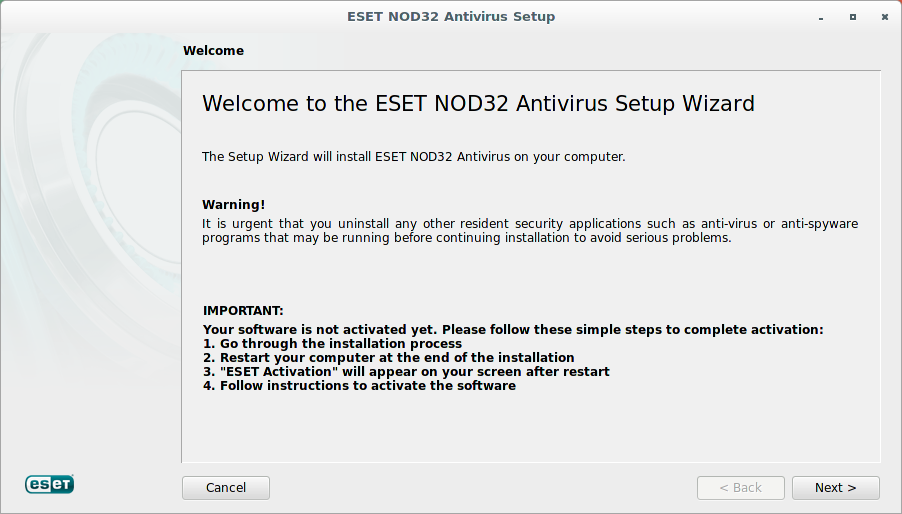
I won't go through the installation step by step, but the important steps are:
- Accept the software's terms of use.
- Preferably choose a "custom" installation.
- The application's privileges are "root" and "your_username".
- Select "Enable ThreatSense.Net" without advanced options (except where noted).
- Select detection of potentially unwanted applications.
- Proceed with the installation.
The installation process is running:
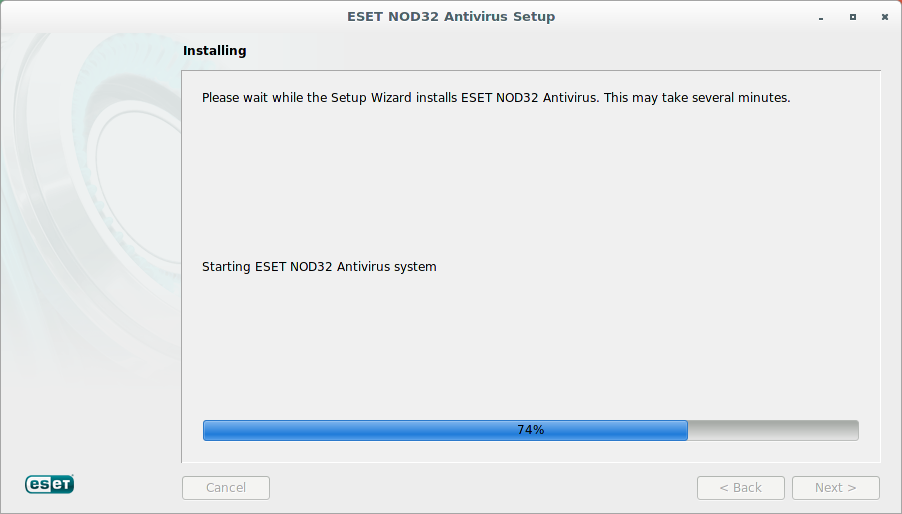
Once the installation is complete, you'll need to start the ESET NOD32 Antivirus 4 process:
[root@lpt0p]# /etc/init.d/esets start
Starting ESET NOD32 Antivirus
Logically, ESET NOD32 Antivirus 4 should start without issue:
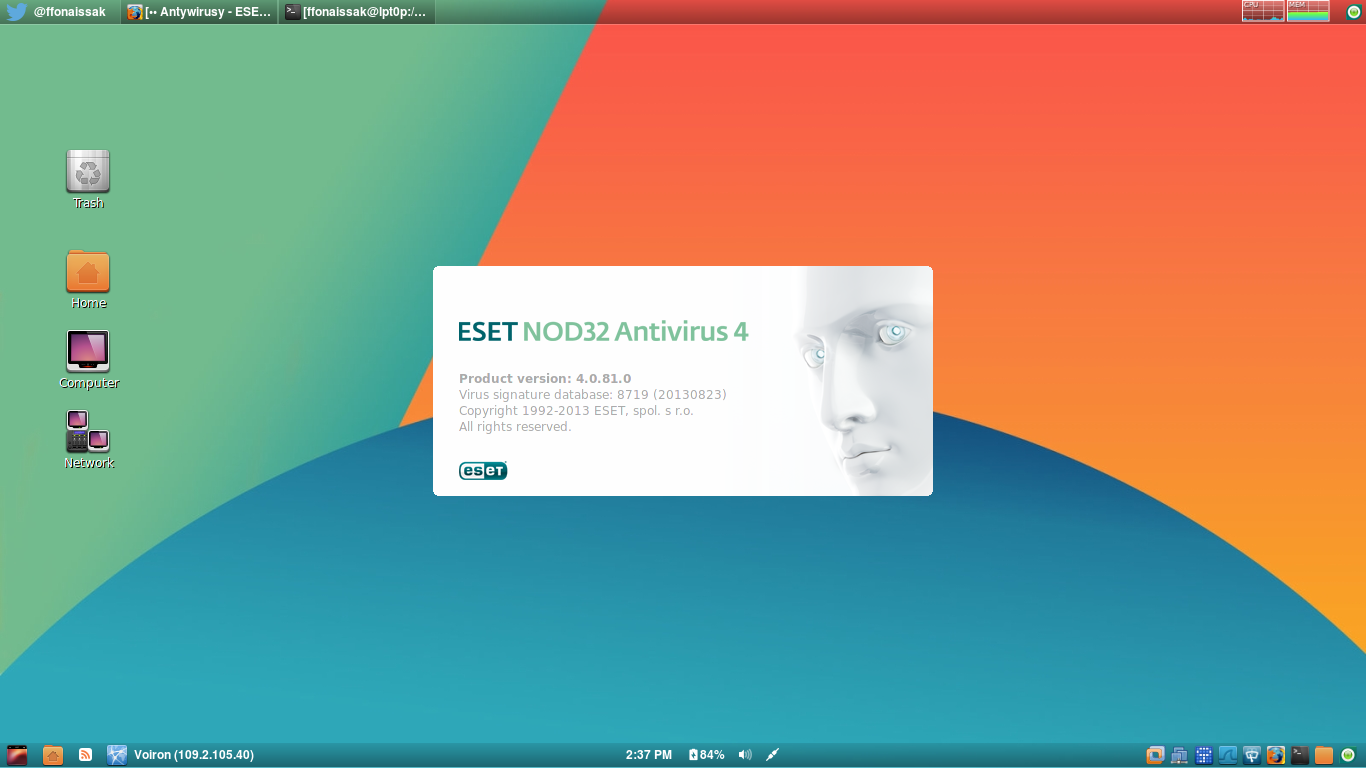
Congratulations, you've successfully installed NOD32 on Arch Linux.
Conclusion
This article covered installing ESET NOD32 Antivirus 4 on Arch Linux, including resolving the missing lib32-glibc dependency by enabling the multilib repository. Even on Linux, having an antivirus centrally managed by ESET Remote Administrator helps meet corporate security policies and detect malicious files exchanged with Windows machines. The resource impact remains minimal, making this solution perfectly suited for daily use.