


Real-world use case
You want to extend your Zimbra server's features: discover installing and configuring the Zextras suite.
Zextras Suite for Zimbra
Zextras is an extension that adds new features to Zimbra's free version.
It lets you use Exchange ActiveSync, organize mailbox backups, and also manage Zimbra data volumes, in short, manage your server with more precision. The product remains affordable, since you only pay for what you need (see table), and if no license is available, the software runs in demo mode for 30 days. To check that your server is compatible with Zextras, head to Zimbra Compatibility. Here's the Zextras Suite product video:
The modules included in Zextras Suite
Below is the list of modules available in the Zextras suite, along with their individual prices, per 10 mailboxes per year:
Zextras module nameZextras module rolePrice/year

Backed up live,
your data is secure.
€78

Sync your mobile
devices with Zimbra.€26

Easier use with the Zimbra Storage
admin console.€11

Permission management via
the ACL console (Access Control List).€4

Zextras Chat lets you chat
with your colleagues in webmail or
via an XMPP-compatible client
(e.g.: Pidgin, Adium).
€0

Zextras's automated
server-to-server Zimbra migration assistant.
€0
Installing Zextras Suite on Ubuntu 16.04 LTS
We'll go over installing and configuring Zextras Suite on a single mail server. The installation starts by downloading the product:
wget http://www.zextras.com/download/zextras_suite-latest.tgz
Extracting the tgz archive is required:
tar xfz zextras_suite-latest.tgz
Let's unzip the zextras_suite-x.x.x folder, which contains:
bin docs install.sh libs packages README.TXT
We need to run the install.sh script, here are the available options:
./install.sh -h
./install.sh -h | ./install.sh [ -u ] [ -d ] all|zimlet|core

-h         This very message
-d         Activates debug mode for the install script
-u         Uninstall the target

The targets available for (un)installation are:
core   --  Core
zimlet --  Zimlet
all    --  Core followed by  Zimlet

* In order to use  both
* core and zimlet need to be installed.
Zextras is made up of three major components:
- Core: the heart of the Zextras module.
- Zimlet: Zextras's Zimlet compatible with Zimbra, which lets you manage the core service from the Zimbra console.
- Zal: an Open Source abstraction layer built to let extensions communicate with Zimbra.
In our case, let's use the all parameter to deploy all components (core and zimlet) at once:
./install.sh all
Here are the main questions or actions available during the installation process:
- Do you agree with the terms of the software license agreement? N Y
- Press ENTER to continue …
- ZeXtras Suite Core will now be installed. Proceed? Y Y
- Do you wish to stop the Zimbra Web Application (mailboxd)? Y Y
- The ZeXtras Suite Zimlet will now be installed. Proceed? Y Y
- Press ENTER to continue …
Here's the result at the end of the installation:
Deploying zimlet ...

[] INFO: Deploying Zimlet com_zextras_zextras in LDAP.
[] INFO: Installing Zimlet com_zextras_zextras on this host.
[] INFO: Upgrading Zimlet com_zextras_zextras to 2.4.2
[] INFO: Enabling Zimlet com_zextras_zextras

The ZeXtras Suite Zimlet has been successfully installed.

===========================

After installing/uninstalling ZeXtras Suite Zimlet,
it's highly suggested to clear both your browser's and server's cache.
In order to clear your server's Zimlet cache, simply run
« zmprov fc -a zimlet »
as the zimbra user.
E.g. « su - zimbra -c 'zmprov fc -a zimlet' »

===========================
Clearing the Zimbra cache can be done via CLI from the Zimbra user:
su - zimbra
zmprov fc -a zimlet
Installing the Zextras license is also possible from the Zimbra user:
zxsuite core doUploadLicense /tmp/license.zx
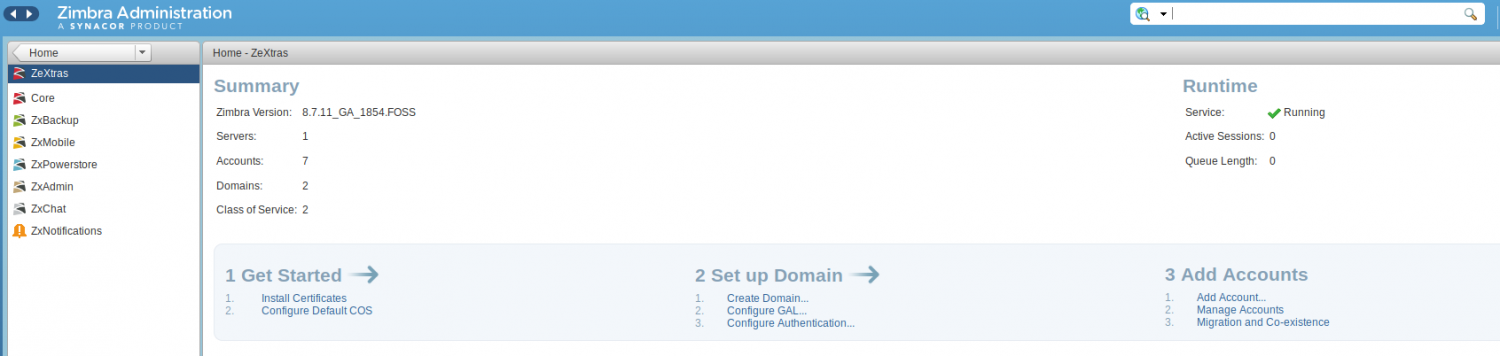
Now, the Zextras Suite Zimlet is available from the Zimbra console (https://your\_ip:7071):
Quick configuration of Zextras Suite
Let's discover Zextras and all its modules present in the Zimbra server's admin interface, step by step.
Zextras CORE
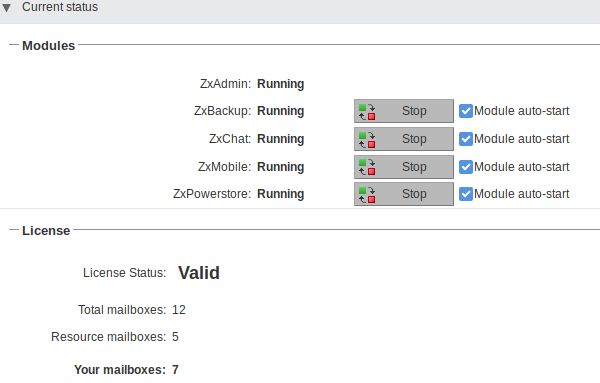
Current status: the current status of the modules as well as the license status.
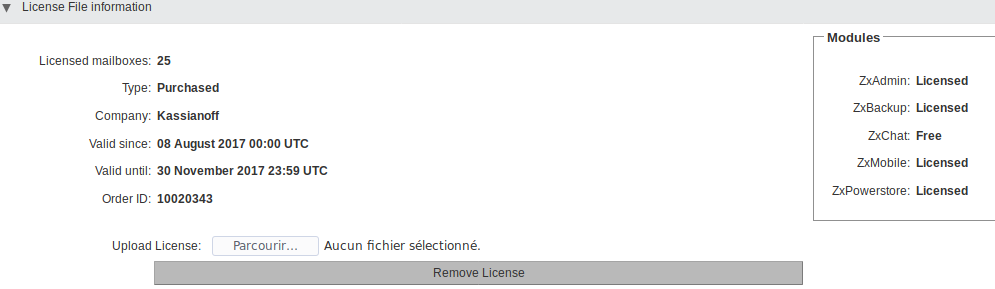
License file information: license details with the expiration date, the number of mailboxes, and the included modules.
Zextras Client Zimlet: quick deployment to add new features to the Zimbra Web client.
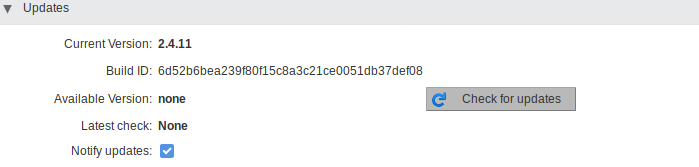
Updates: the status of Zextras updates, and also lets you manually check for updates.
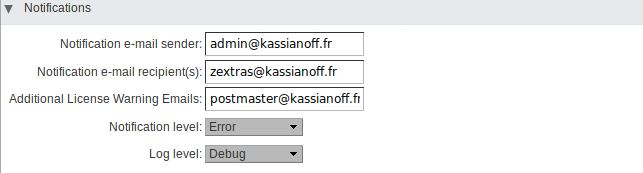
Notifications: changing the sender/recipients of license notifications and the log level.
Privacy: lets you choose whether or not to send data to Zextras to improve the product.
Zextras BACKUP
The first time you connect to the Zextras Backup module, you're greeted with a message:

To start configuring backups for our mailboxes, use the Initialize Now button at the top right, and this won't take more than a minute.
The following message appears:
Informational
The operation was pushed into the queue, you will be notified as soon as the operation is completed.
Now we just need to wait for the Smart Scan to finish, and its result appears in Zextras Notifications.
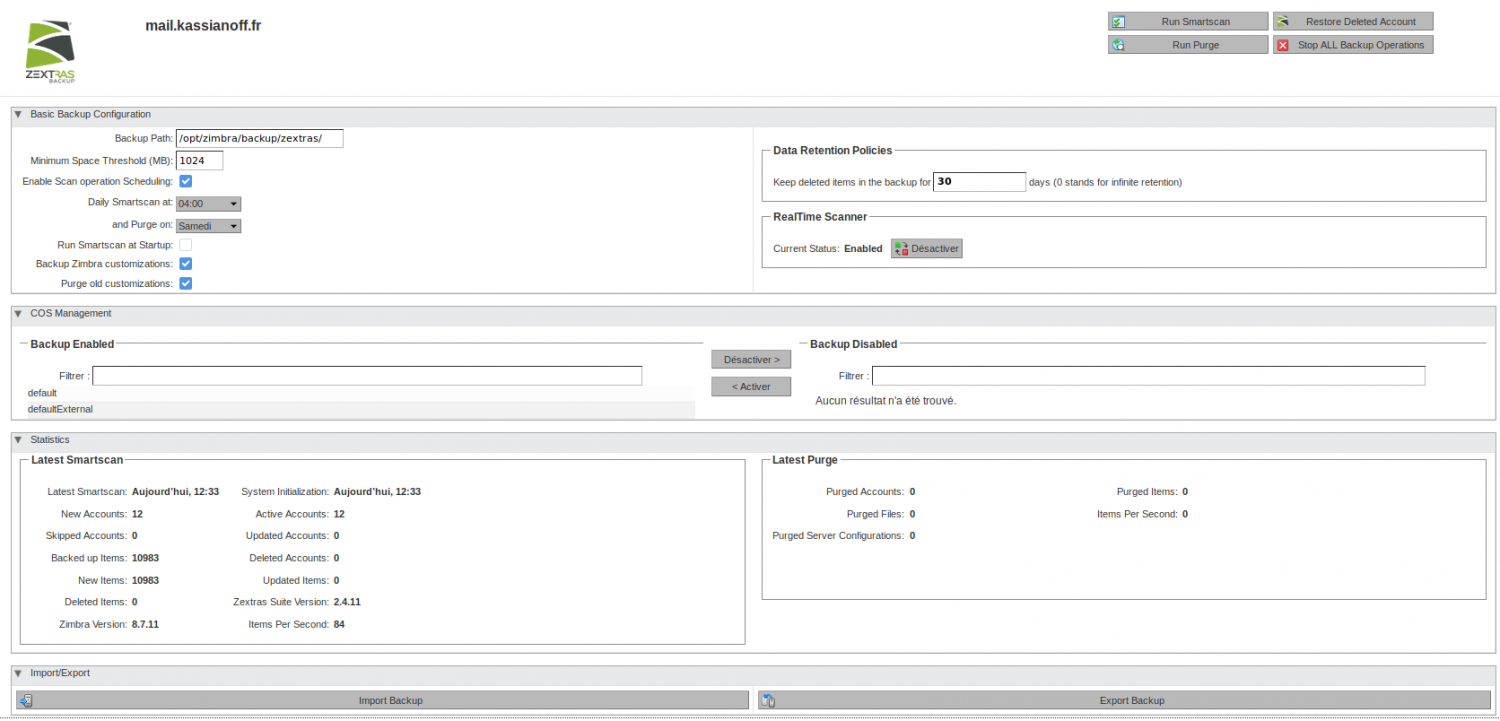
Once the operation is complete, we get the following display:
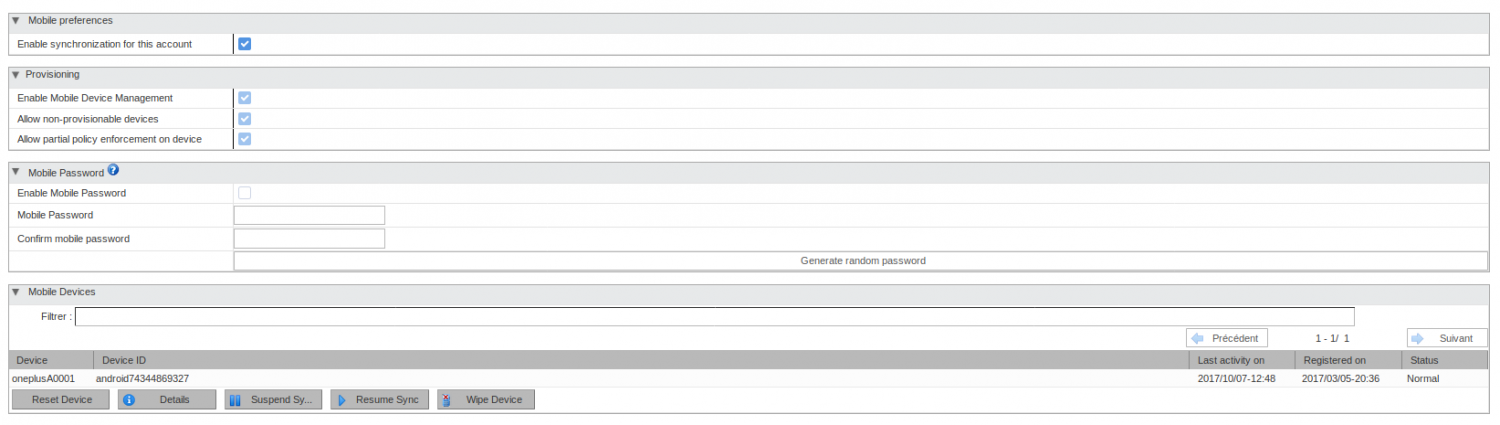
Zextras MOBILE
Zextras Mobile's admin interface looks like this:
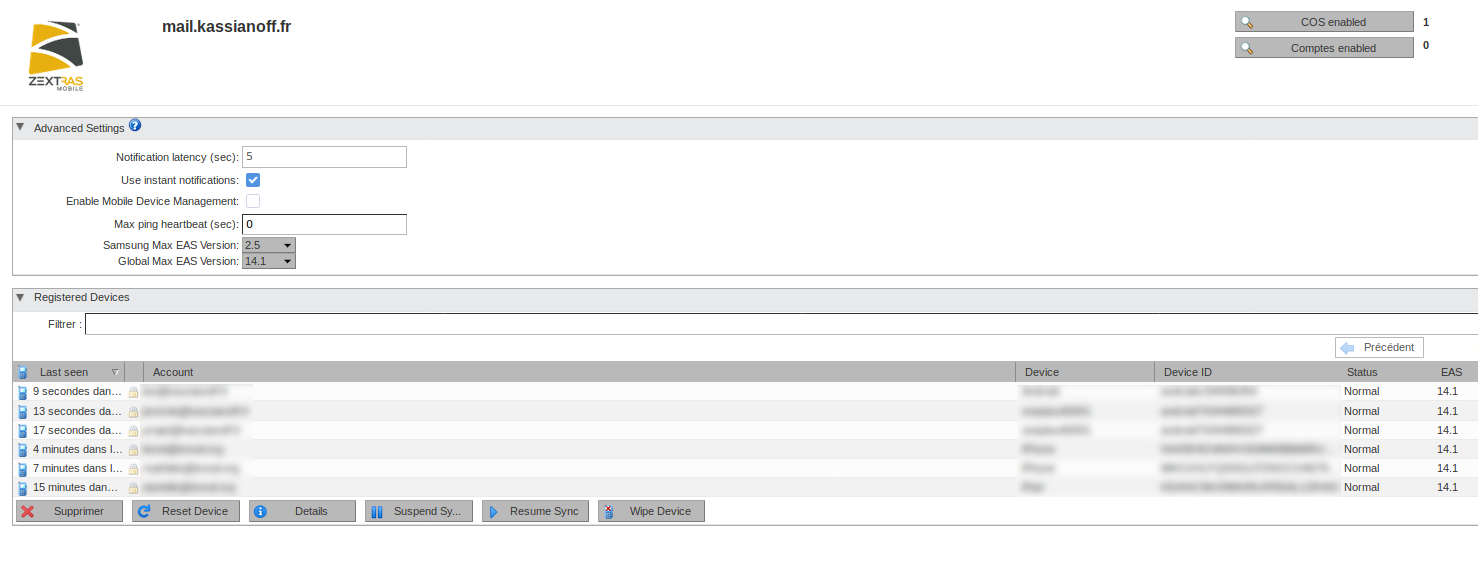
To let a mail account use the Zextras Mobile feature, let's head to: HomeManageAccounts, then select the desired account in the ZxMobile section and check: Enable Synchronization for this account.
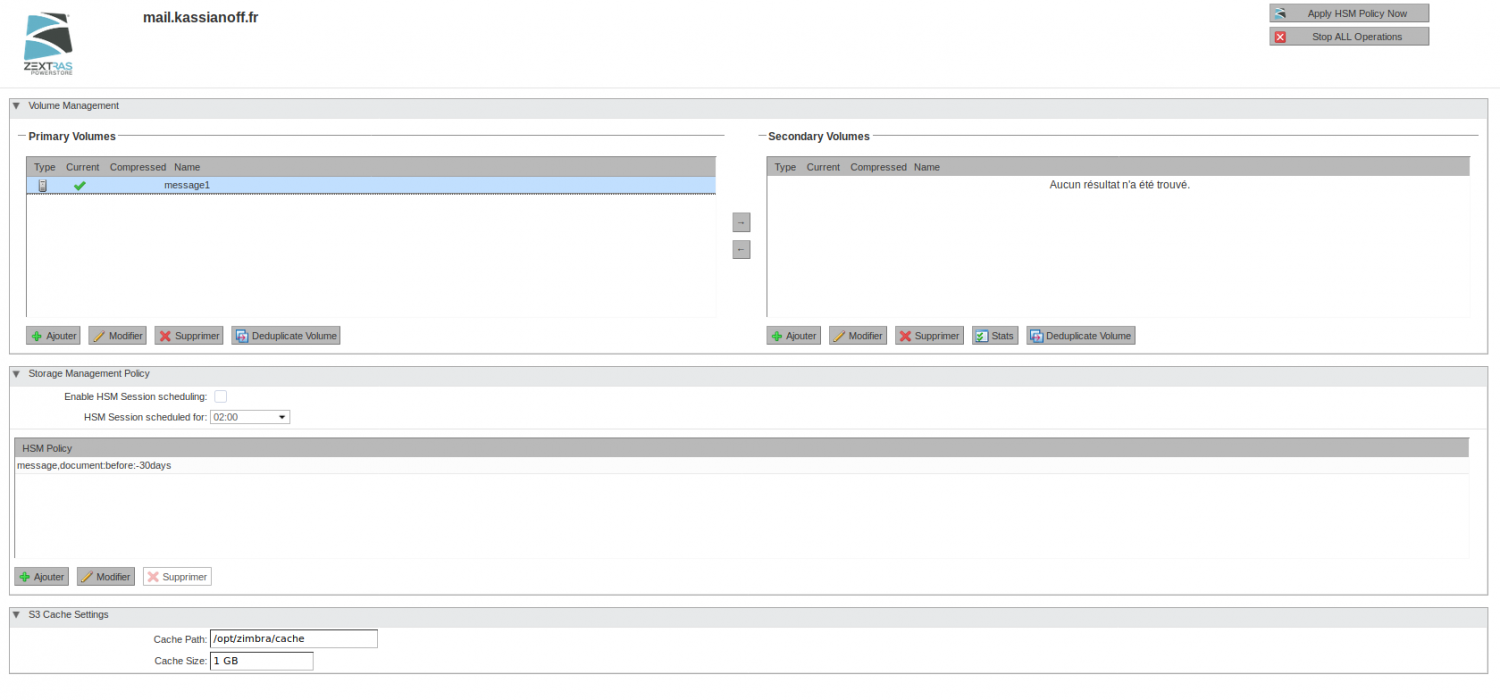
Zextras POWERSTONE
PowerStone is a tool that lets you manage Zimbra volumes. Moving, duplicating, and compressing can be done quickly and simply:
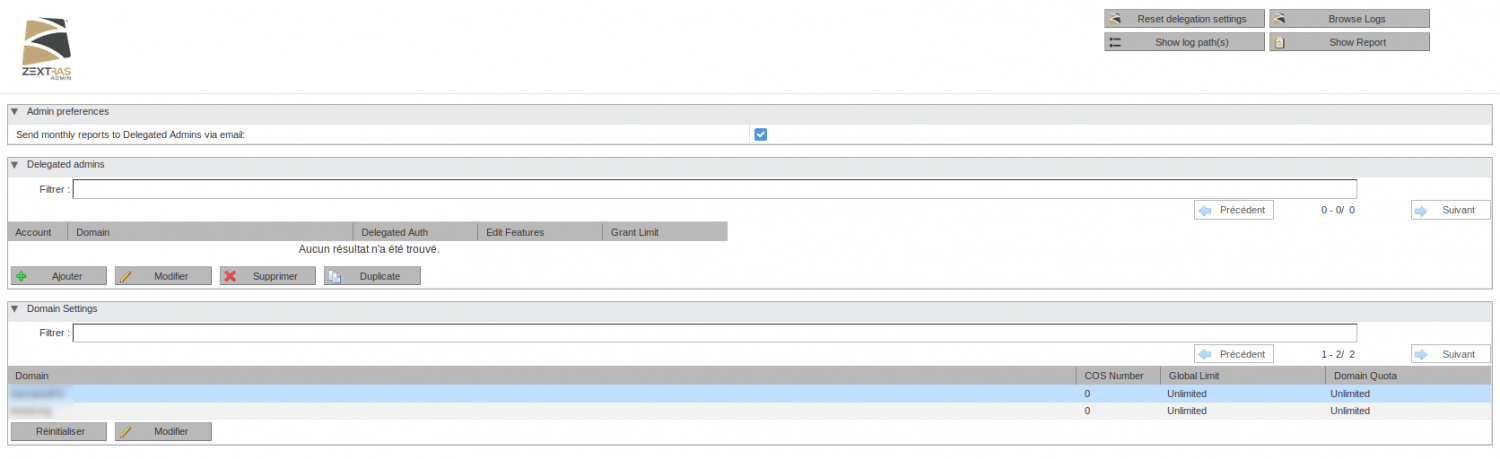
Zextras ADMIN
Zextras ADMIN lets you view server reports, but also allows admin account delegation and lets you manage the domain's classes of service (COS) with more precision (with quotas, for example):
Zextras CHAT
The solution that lets you communicate by voice and video between users from webmail, but also via the XMPP protocol, usable on smartphones, tablets, and PCs (Linux, Mac OS, Windows).
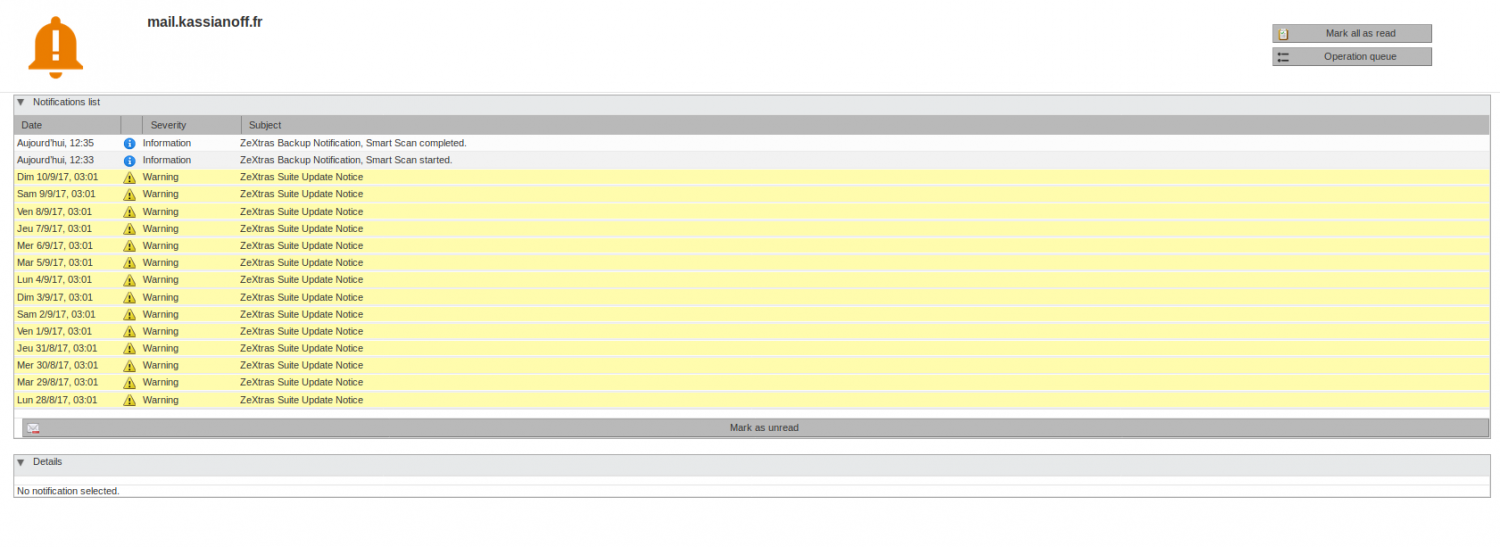
Zextras Notifications
Zextras notifications let you see Zextras Suite alerts at a glance:
By the way, I need to get ready to upgrade to the new Zextras version.
Conclusion
For my part, Zextras has been an indispensable tool for my mail service to run properly for 3 years now.
I mainly use it with ZxMobile, ZxBackup, ZxAdmin, and soon to duplicate my "message1" volume to another location with ZxPowerStone. For more information, head to the site: