


I decided to subscribe to Adobe CC in 2014. Eager to develop my creativity and imagination.
Table of contents
Real-world use case
You're hesitant to subscribe to Creative Cloud: here's my feedback after subscribing to Adobe CC to develop my creativity.
Adobe Creative Cloud
Adobe Creative Cloud is a "cloud-based" software suite very close to the CS6 suite. Made up of, among others, Photoshop, Illustrator, InDesign… the CC version is the future CS7.
The cloud environment
Often criticized, the cloud doesn't necessarily require software to run on a connected server. Your actions within the software also aren't secretly "harvested" by the American publisher. The CC environment doesn't require a permanent connection to the Adobe server. At minimum, a check-in once every 30 days, or 180 days at the most! For reference, the software is indeed stored on your hard drive; the installation is traditional. In short, 20GB of cloud storage is included, along with CC software exclusives. With the cloud, your software is always up to date and you have access to the latest features.
For example, I set out to create my résumé in Photoshop, which I stored in CC:
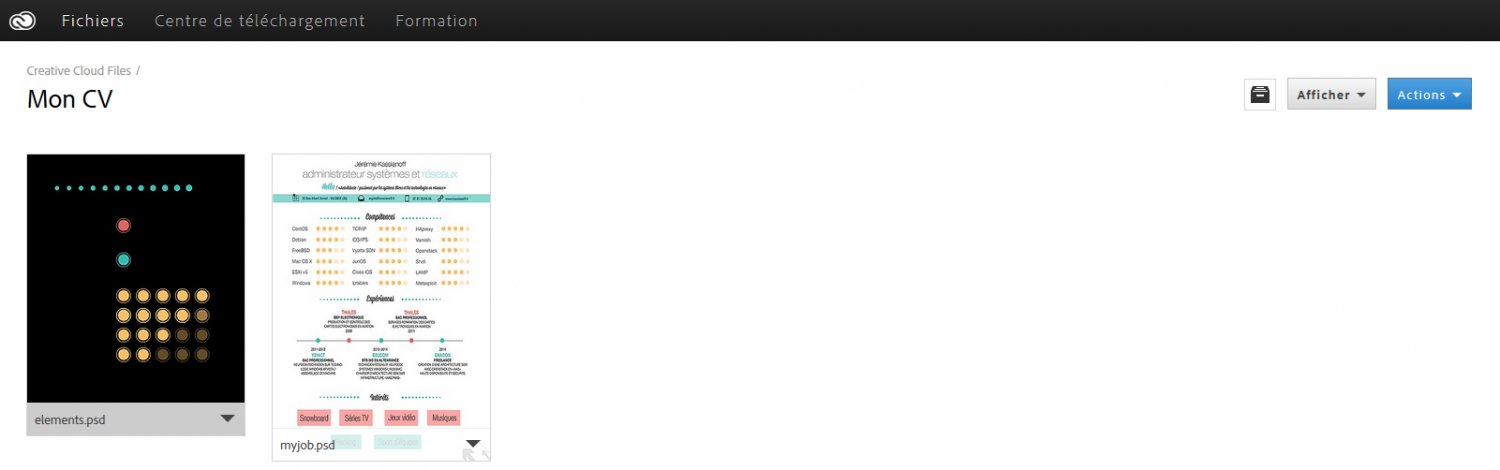
I can find my résumé project in my cloud no matter where I am!
The local environment
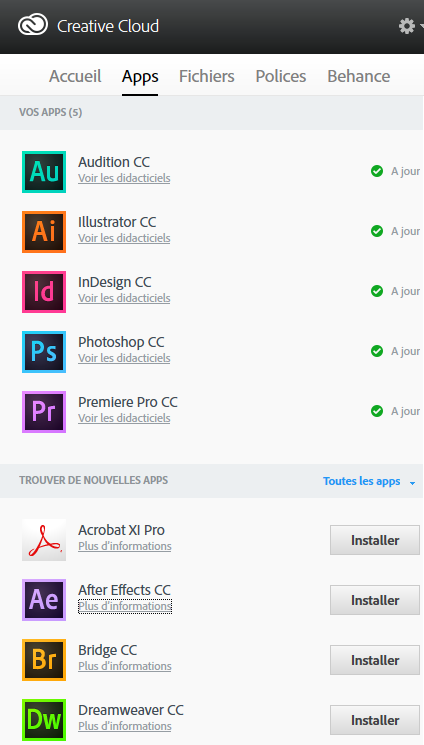
The Creative Cloud software is available at this address. Here's a quick look at the Creative Cloud client interface. It stays fairly discreet in the taskbar:

The icon sits between Malwarebytes and Bitdefender.
The software is installed entirely on my drive; here's what I've already installed and the space it uses:
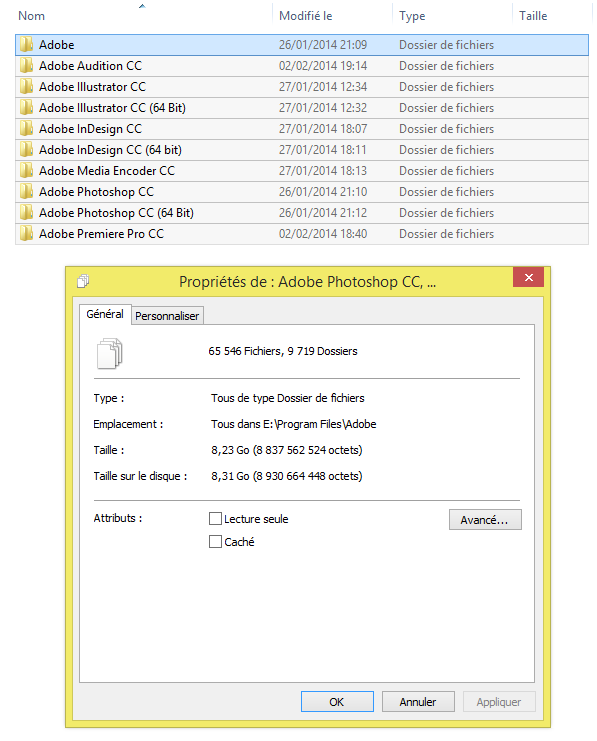
Aside from installing the CC client on the machine, the cloud imposes almost no real constraint. Finally, those used to local installs will be delighted, everything is handled automatically with CC.
The learning platform
A video platform is included in the monthly subscription! It generally covers the basics of all the software included in our CC subscription. The training menu takes us to this:
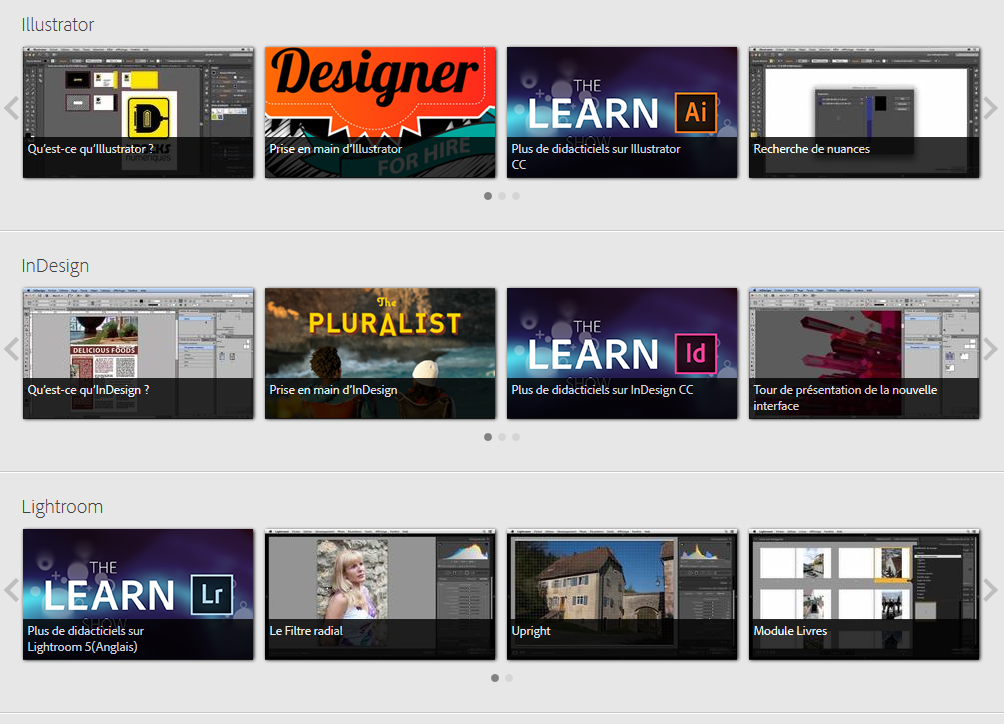
For a beginner, it's just great to be able to enjoy quality introductory videos. Especially since the videos are produced by video2brain trainers!
The download center
The online download center gives you an overview of the CC software. For example, I selected Illustrator, clicked "download", and a pop-up appears:
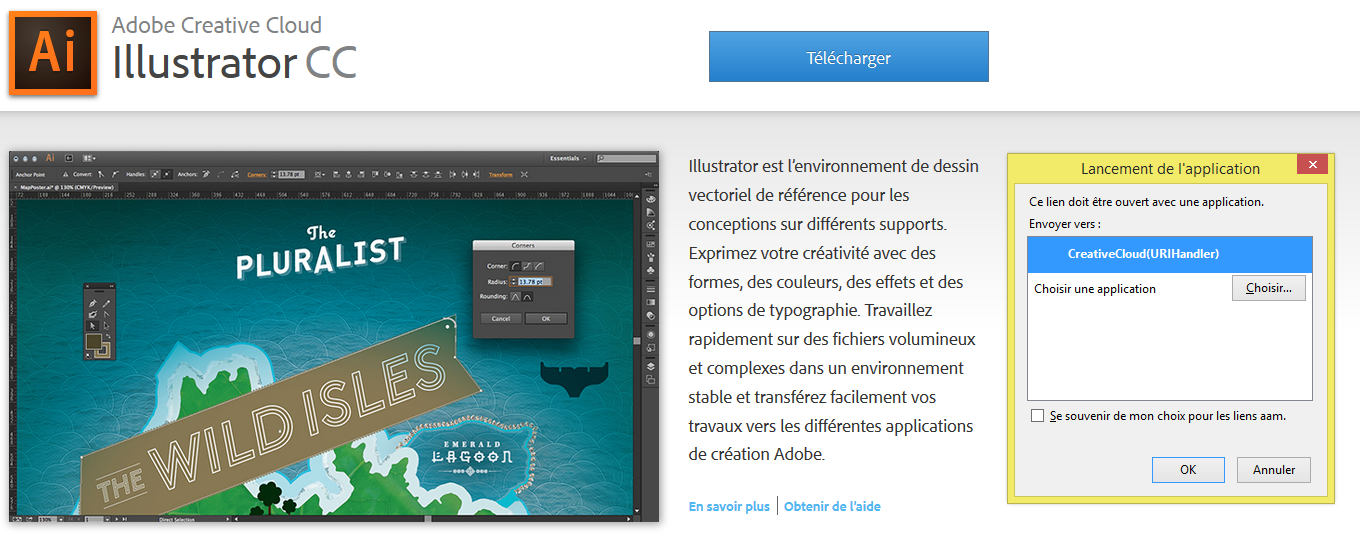
The pop-up wants to launch the Creative Cloud application installed on my Windows 8.1 machine in order to download it, then start downloading Illustrator.
The feature: Behance
Adobe is very trendy and dynamic, and has also extended its features with Behance. It notably lets you showcase your work to a community. There's also Behance ProSite, which can quickly and easily deploy your portfolio on the web.
Subscription pricing
To get the full solution with all Adobe Creative Cloud software, you'll need to pay at most: €61.49/month, and at least €19.99/month if you're a student. A plan at €24.99 for a single piece of software is also available (non-student).
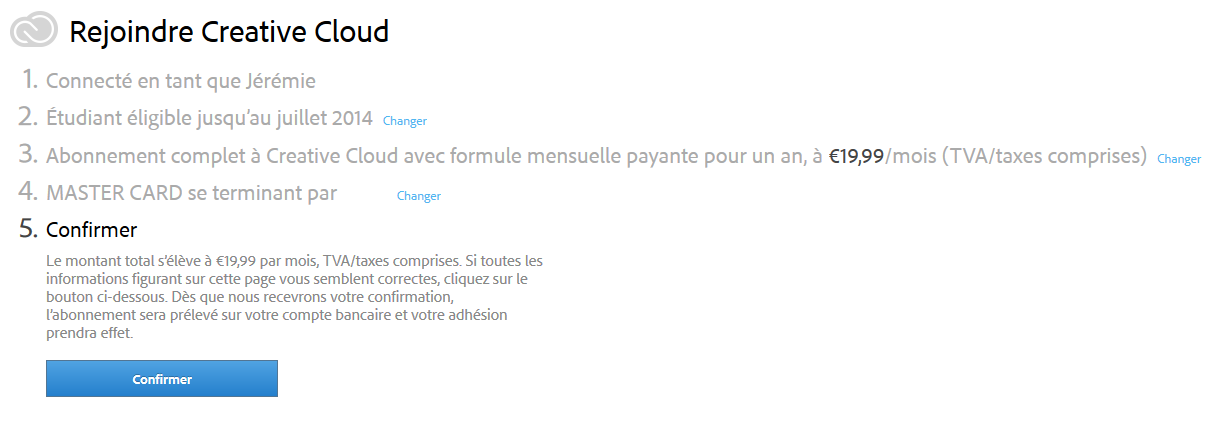
I'm still a student, so I can take advantage of the student offer valid until 04/14/2014. With my BTS coming to an end, I won't be able to enjoy this benefit much longer, so I jumped on it.
Conclusion
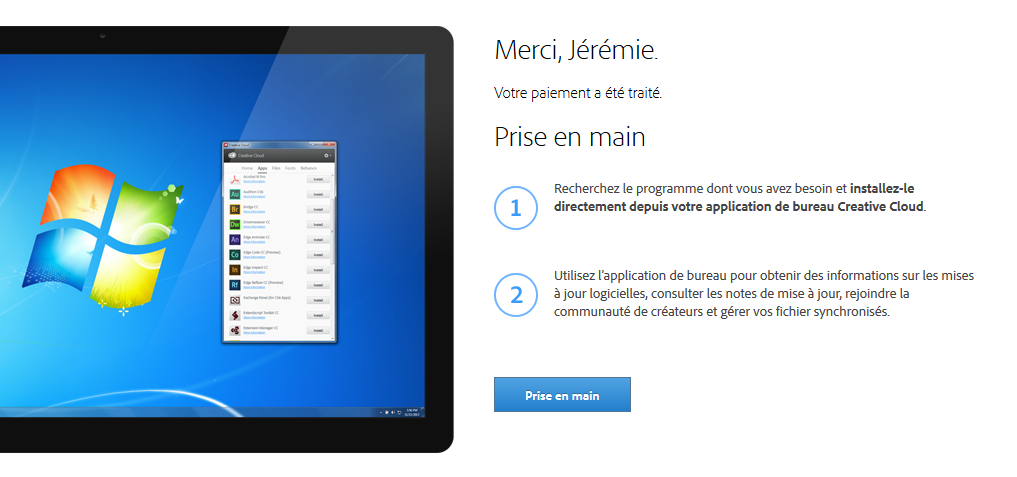
My move to Adobe Creative Cloud in 2014 confirms that the cloud-based model doesn't require a permanent connection, while still offering locally installed software, cloud storage space, and a training platform. The experience remains close to that of a traditional installation, with the added bonus of syncing across machines and automatic software updates. The main drawback remains the price of the full subscription, aside from the student offer.